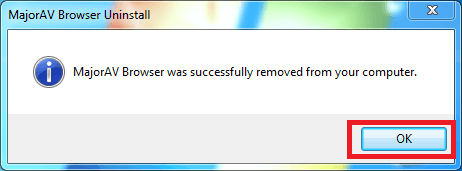
You can uninstall MajorAV Browser and remove all associated files from your computer by the below steps:
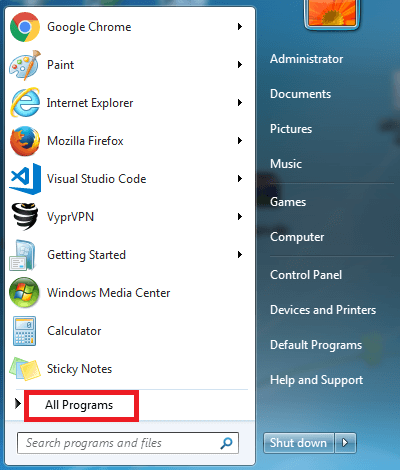
- Open the Start menu,and click "All Programs".
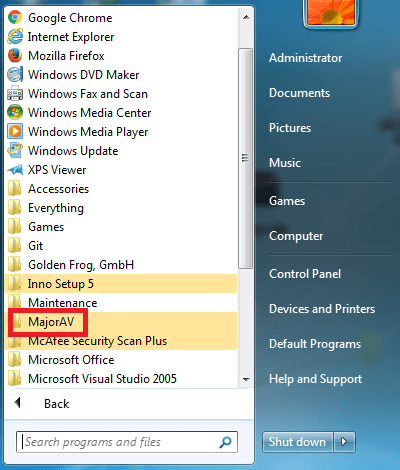
- Click "MajorAV".
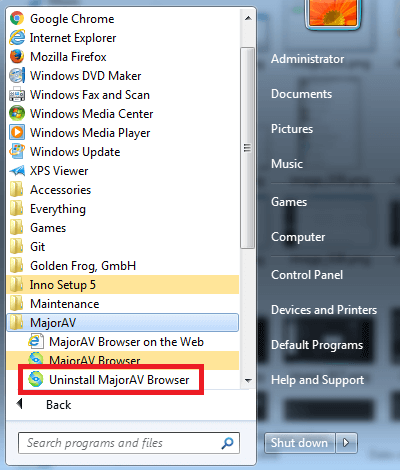
- Click "Uninstall MajorAV Browser".
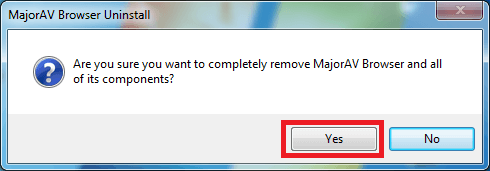
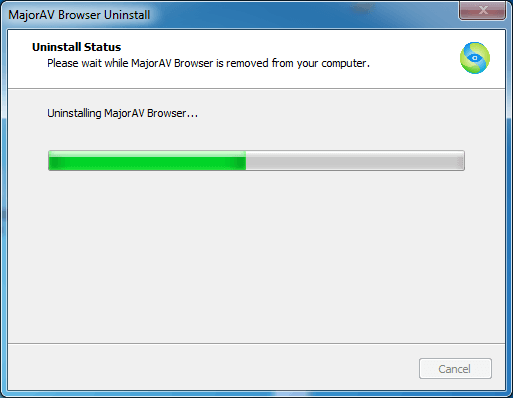
- Click on "Yes" when prompted to uninstall it or not. It should start uninstalling it then.